
Uncategorized
Ordering a Custom East Carolina Jersey Without Lettering Mistakes
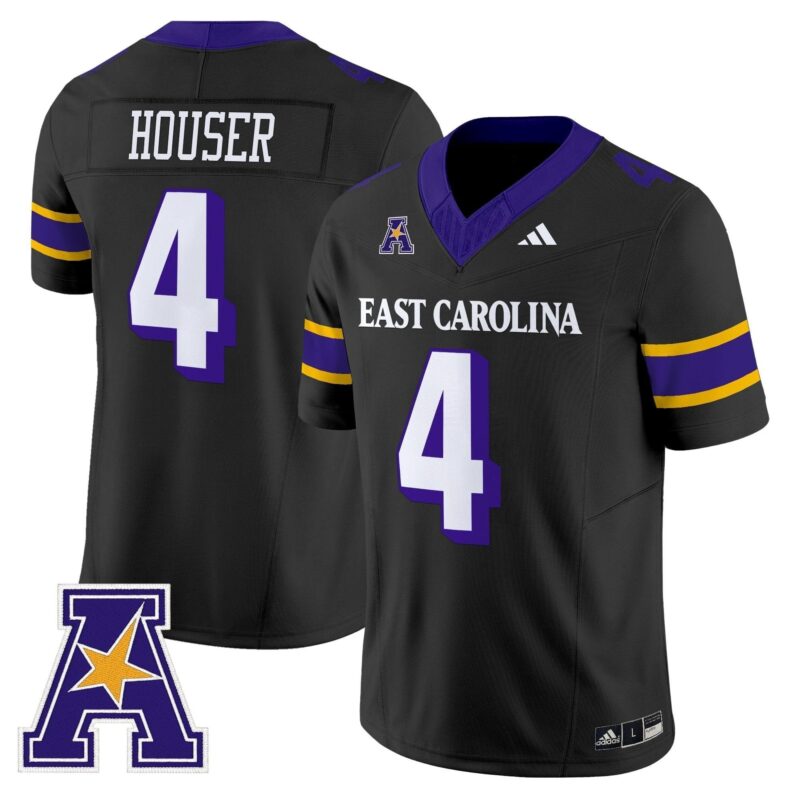
Oct
A typo on a coffee mug is funny. A typo stitched across the shoulders of an east carolina jersey is not, because tackle twill letters cannot be erased. The good news is that nearly every lettering mistake on a custom order comes from the same handful of slips, and all of them can be caught in the two minutes before you press the order button.
This guide walks through a simple routine, from drafting the text on paper to the last proofread, so the custom piece you pick from the East Carolina Pirates jersey collection shows up with every letter where it belongs.
Why custom lettering goes wrong
Most errors are not spelling errors in the usual sense. They are communication errors. The buyer knows exactly what they mean, but the text they type leaves room for a second reading. Common examples:
- Typing “Mc Donald” in one place and “McDonald” in another, so nobody knows which version is wanted.
- Writing “number 7 or 07”, which forces someone else to choose.
- Adding a nickname in quotation marks and then wondering whether the quotation marks will be stitched.
- Autocorrect turning a family name into a common word.
Every one of these can be prevented by writing the text once, in its final form, and copying it rather than retyping it.
Step 1: Draft the back of the jersey on paper
Before you open the product page, grab a sheet of paper and write two lines: the name exactly as it should read across the back, and the number underneath it. Use capital letters if that is how you picture it, because a nameplate is usually read in caps anyway. Then read it out loud, one letter at a time. Saying “S-M-I-T-H” catches doubled letters and swapped vowels far better than a silent glance.
If the jersey is a gift, text the drafted name to someone who knows the recipient well. A sibling or roommate will spot a misspelled surname in seconds.
Step 2: Decide on spacing, punctuation and suffixes
Names with apostrophes, hyphens, spaces or suffixes deserve a deliberate choice. Ask yourself:
- Should “O’Neal” keep its apostrophe, or read “ONEAL”?
- Is it “Smith-Jones” with a hyphen or “Smith Jones” with a space?
- Does a “Jr.” belong on the back, and if so, with or without the period?
Whatever you decide, write it into your paper draft so the final text has no question marks left in it. Long names are another thing to think about early. A very long surname on a small or youth size has to fit across a narrower back, so if you have a shorter version the wearer actually goes by, now is the moment to consider it.
Step 3: Lock in the number format
Numbers look simple, but they cause their share of mix-ups. Decide whether a single digit should appear as “7” or “07”, and write only the version you want. Avoid ranges, alternatives or explanations in the same field. If you want the number to honor a date, an area code or a family member, that is a lovely idea, just make sure the final digits are the ones you type, with nothing else around them.
Step 4: Pick the right listing and options first
The East Carolina lineup on this site includes player and team number designs (for example a Mitch Griffis #12 jersey listing, a Team Jersey #1 and a Greenville Jersey #252) alongside a Custom Name/Number 2026 design. Only the custom design is meant for your own lettering, so confirm you are on that listing before you go further.
Next, choose the gender cut and size. The options run Men, Women and Youth, in sizes S through 3XL. Choosing these before you type the lettering keeps you from rushing the text at the end, which is exactly when mistakes slip in.
Step 5: Send the text exactly where the page asks for it
Read the custom listing carefully and follow its instructions for where the name and number go. Paste the text from your draft instead of typing it fresh. If the page gives you a single free-text area, use a clear format such as:
- Name: JOHNSON
- Number: 24
Keep it to those two lines. Extra chatter (“hope this looks good, thanks!”) is friendly, but it can blur where the lettering ends and the message begins. If you are unsure where to send the details, ask the store before you pay rather than guessing.
Step 6: Proofread like a stranger
Here is a trick editors use: read the text backward, last letter to first. Your brain stops predicting the word and starts seeing each letter. Then check these points one last time:
- The name matches your paper draft character for character.
- The number has the format you chose, with no extra digits.
- The size and gender cut are the ones you meant to select.
- You are ordering the custom design, not a player or team number listing.
Take a screenshot of the order summary. If a question ever comes up, you will have a clear record of what you sent.
A quick example
Say you are ordering for your dad, whose family name is “De La Cruz” and who wants the year he married your mom, 1998, represented as 98. Your draft would read “DE LA CRUZ” on line one and “98” on line two. You would confirm with your mom that the spaces belong there, choose a Men’s cut in his usual size, paste both lines into the field the custom listing provides, and read them backward before checking out. Five minutes, start to finish, and nothing left to chance.
Ready to letter your own
A custom east carolina pirates jersey becomes personal the moment a name and number go on it, so give that text the same care you would give a signature. Draft it, settle every space and suffix, paste rather than retype, and proofread backward. When the paperwork is done, browse the full Pirates lineup and pick the design you want your lettering on.